Ask your data
Odoo's AI answers questions about your business and builds charts from what is already in the system.

 Odoo ERP and CRM implementation
 Sales, inventory, purchasing, accounting and projects connected in Odoo. We configure it to your operation, migrate your information and connect it with WhatsApp and your AI agents.
Images: Odoo
Figures published by Odoo. See the source at odoo.com
Tap an area to see Odoo in action.
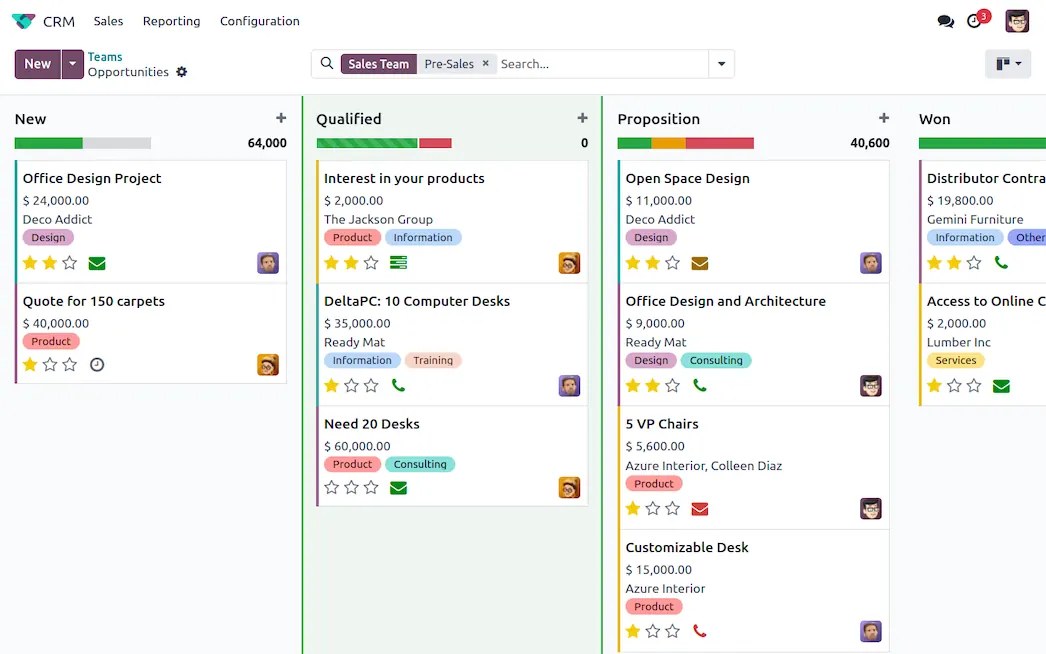
Each opportunity in its stage, with activities, emails and calls recorded on the same record.
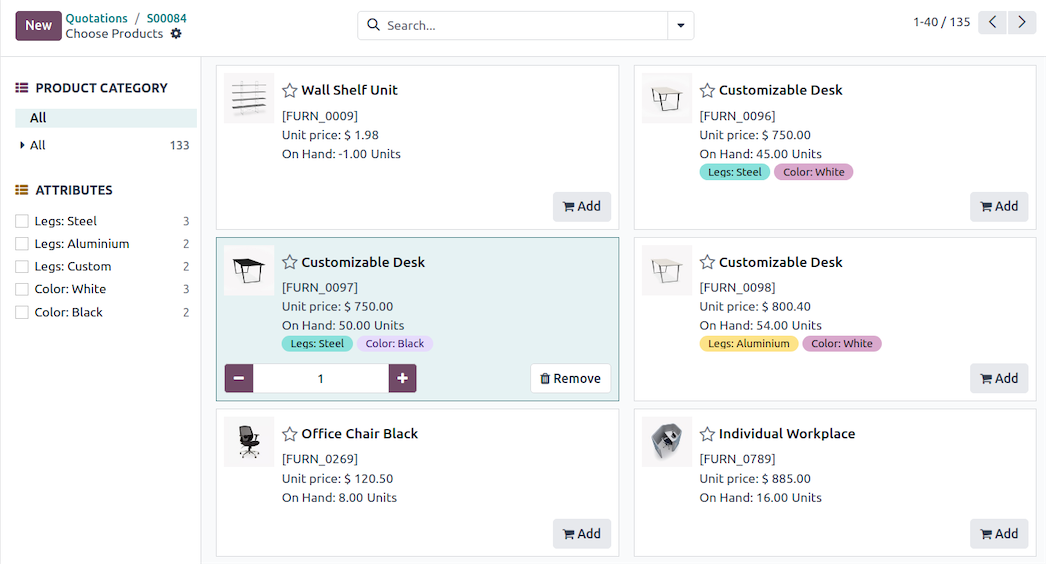
From lead to quote to sales order without retyping anything.
Customer and supplier invoices, banks and reports in the same system that sells and buys.
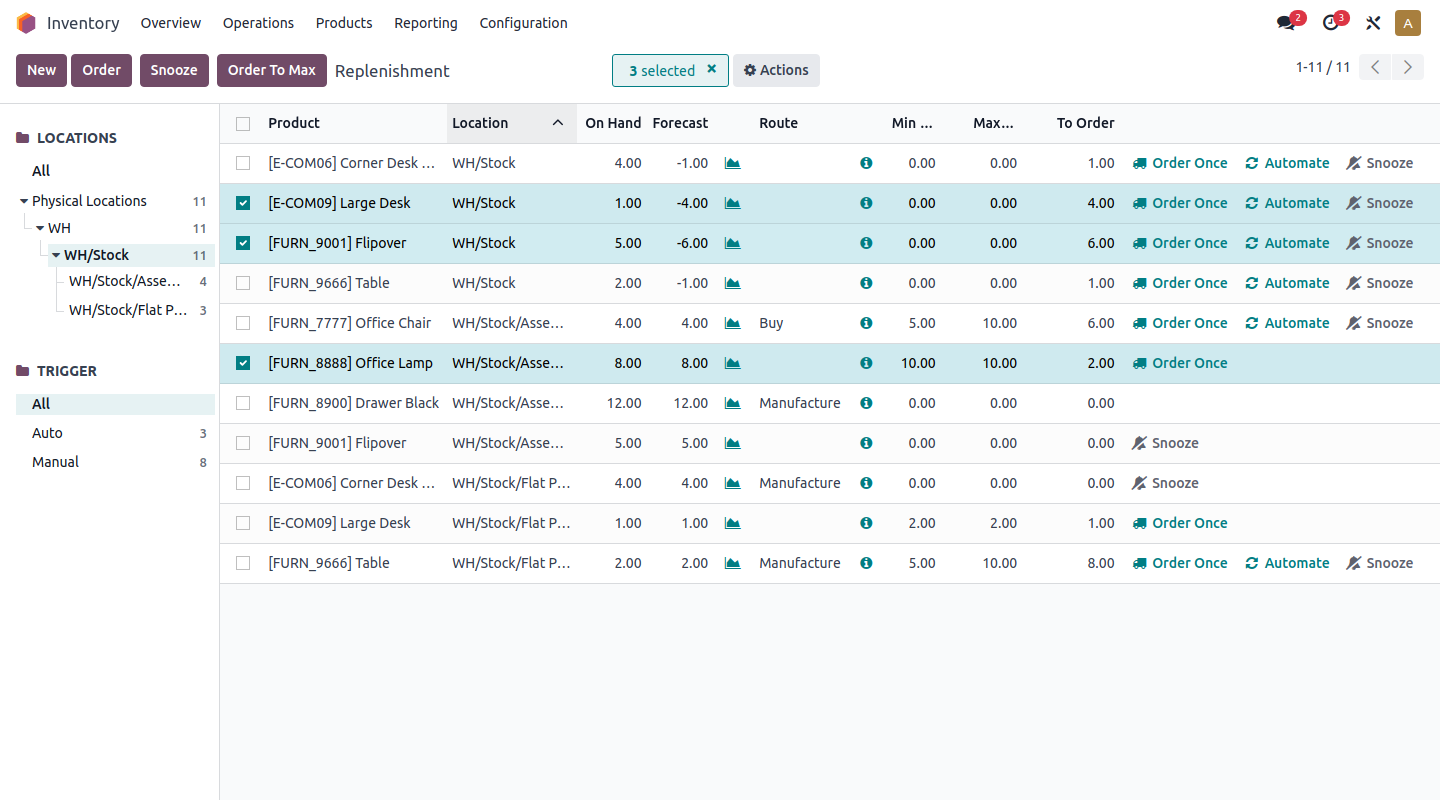
Stock by warehouse and location, with replenishment rules that generate the purchases.
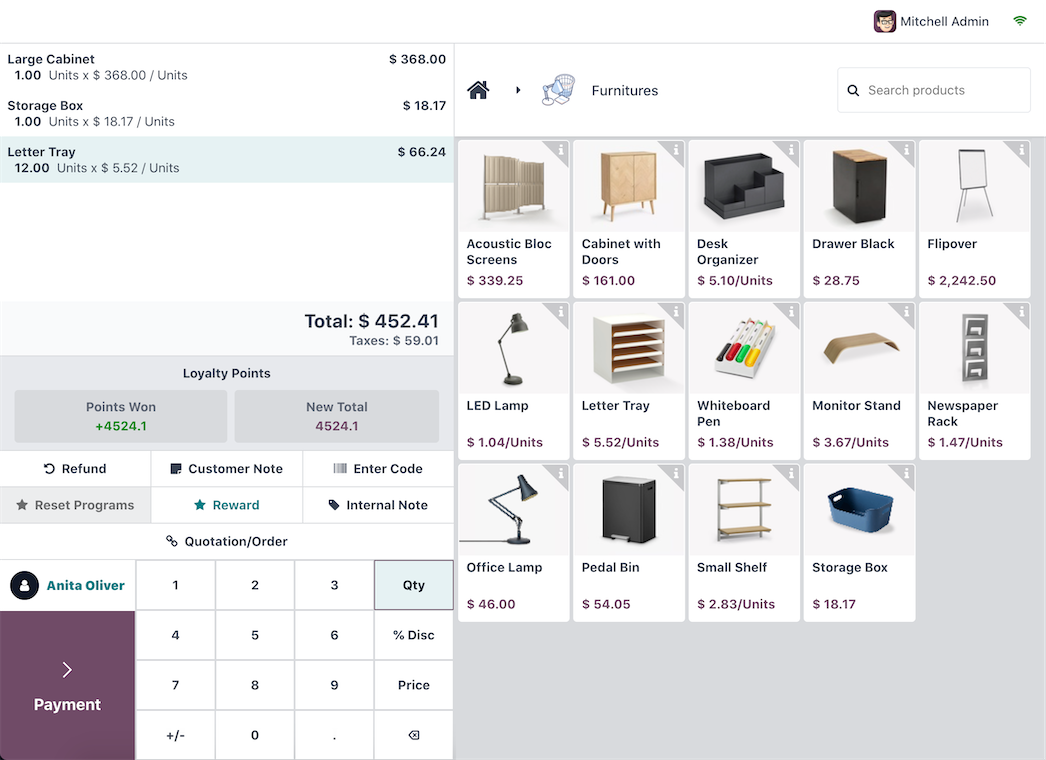
Sell in store and inventory, customers and accounting update themselves.
Tasks, owners, logged hours and profitability of each project on a single board.
Videos and images: Odoo
You start with the essentials and add apps as you grow. They all share the same information.
 CRM
CRM  Sales
Sales  Point of sale
  Website
  E-commerce
  Email marketing
  Accounting
  Subscriptions
  Electronic signature
  Inventory
  Purchasing
  Manufacturing
  Field service
  Projects
  Timesheets
  Planning
  Customer support
  Employees
  Conversations
  Documents
  Articles
  Dashboards
  Studio
  Artificial intelligence
 App icons: Odoo
Odoo comes with built-in AI and an interface designed to make daily work fast, from your phone too.
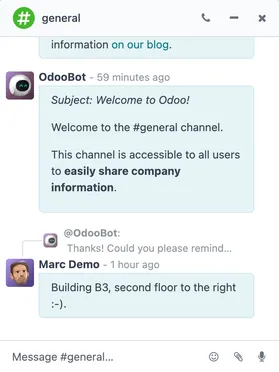
Odoo's AI answers questions about your business and builds charts from what is already in the system.
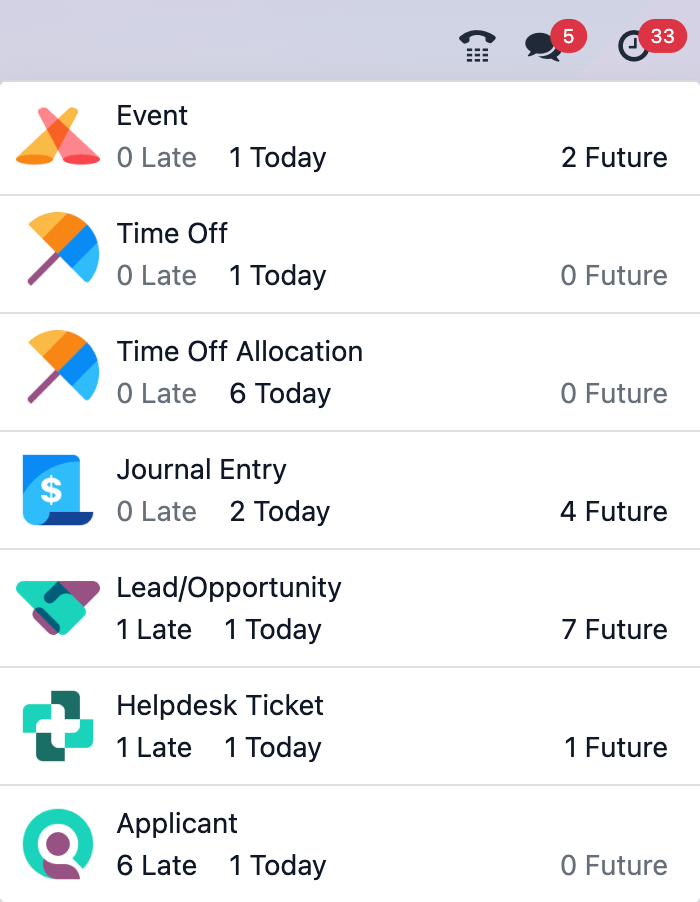
Overdue, today's and future activities from all apps in a single panel.
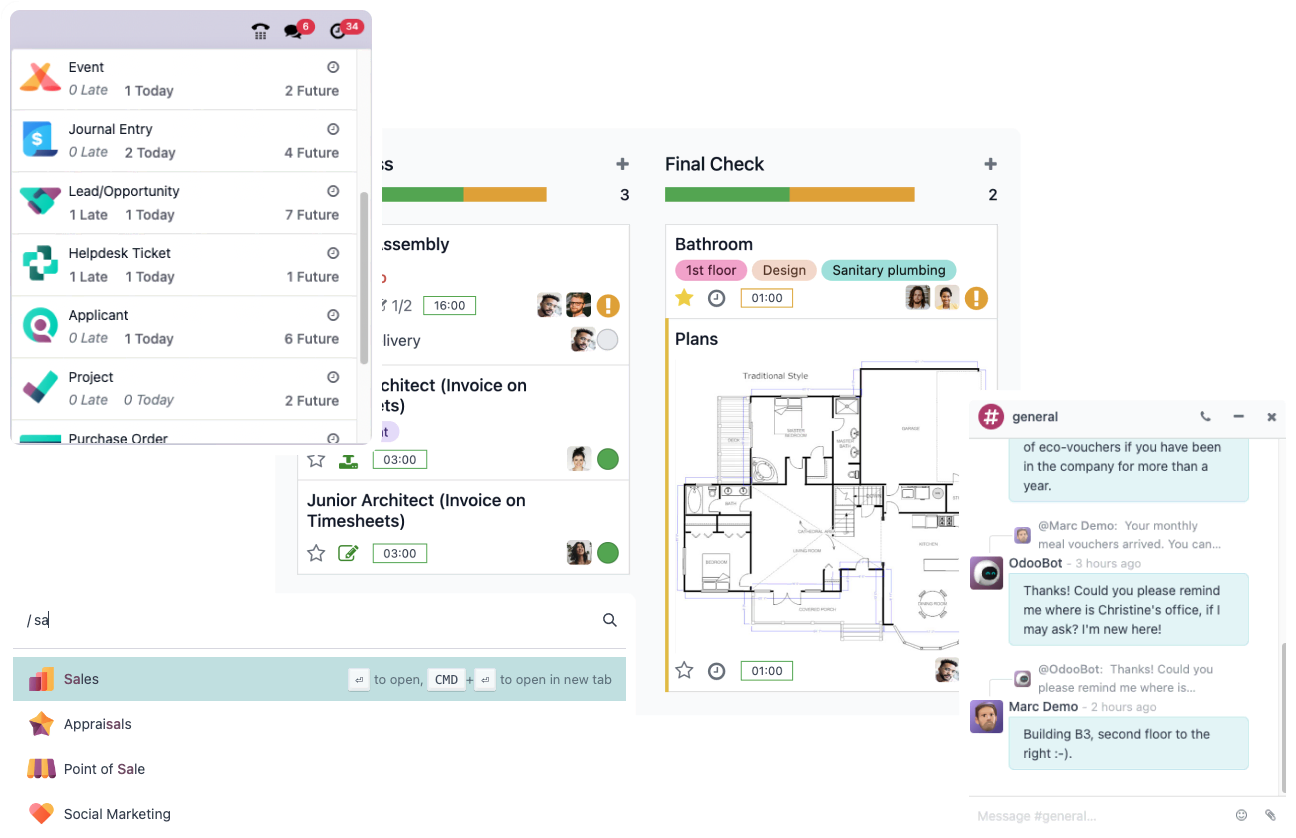
The same information and the same flows from your phone, for the team out in the field.
Images: Odoo
Odoo's free edition. It works when the base apps cover your operation and you prefer to manage your own server.
Adds extra applications, hosting on Odoo's cloud and professional services. It is the usual option when the operation grows.
Your data stays in PostgreSQL and you can host Odoo on its cloud or on your own server.
Reference examples of how we combine the apps for each type of company. In the diagnosis we adjust it to yours.
Orders on WhatsApp, inventory in Excel and invoices made at the end of the day.
AppsThe register, the online store and the inventory do not match each other.
AppsNobody knows how many hours each client consumes or whether the project is profitable.
AppsProduction is planned on paper and raw material purchases arrive late.
AppsWe do not leave Odoo as an island: we link it to how your customers write to you.
Odoo is a set of integrated business applications: CRM, sales, accounting, inventory, point of sale, projects, human resources and many more. They all share the same database, so information is recorded once and flows between departments.
Community is the free, open-source edition. Enterprise adds extra applications, infrastructure and professional services from Odoo. In the diagnosis we review what you need and recommend the edition that makes sense for your operation.
If what you need is to organize chat-based sales, Kommo is usually the most direct option. If you need a robust CRM within a suite, Zoho. Odoo shines when you want sales, inventory, purchasing, manufacturing and accounting to live in the same system. We implement all three, so we recommend based on your case.
Yes. We bring over customers, products, inventory, suppliers and balances from spreadsheets or from your current system, and we validate the data with you before going live.
It depends on how many apps, users, companies and integrations you need. Odoo publishes the license on its website and we quote the implementation after the diagnosis, with a clear scope from the start.
It depends on the real scope: a CRM with sales is not the same as an operation with inventory, manufacturing and accounting. After the diagnosis we give you a phased plan with dates.
Every agent runs on our own infrastructure and on industry-standard tools.
Tell us how you operate today and we will tell you frankly which Odoo apps you need.
Guaranteed reply in less than 24 hours