Key events in Google Analytics 4: what to measure on your website to sell more
In GA4, a key event measures an action that matters to your business and can become a Google Ads conversion. What to measure on a service website and how.
The report says your website had 4,000 visits this month. Sounds good. But when you ask “and how many of those people messaged us on WhatsApp or booked an appointment?”, nobody can answer.
Counting visits without measuring actions is like knowing how many people walked into the store without knowing how many bought. In Google Analytics 4, what separates a pretty report from a useful one is key events.
What is a key event in GA4?
It is an event that measures an action especially important to your business's success. That is how the official Google Analytics help defines it. When it happens, it is recorded as a key event and highlighted in your reports.
The logic is a ladder:
| Level | What it is | Example |
|---|---|---|
| Event | Any recorded interaction | Viewing a page, scrolling |
| Key event | An event you mark as important to your business | Click on the WhatsApp button |
| Conversion | A key event used in Google Ads to optimize | The campaign optimizes for WhatsApp clicks |
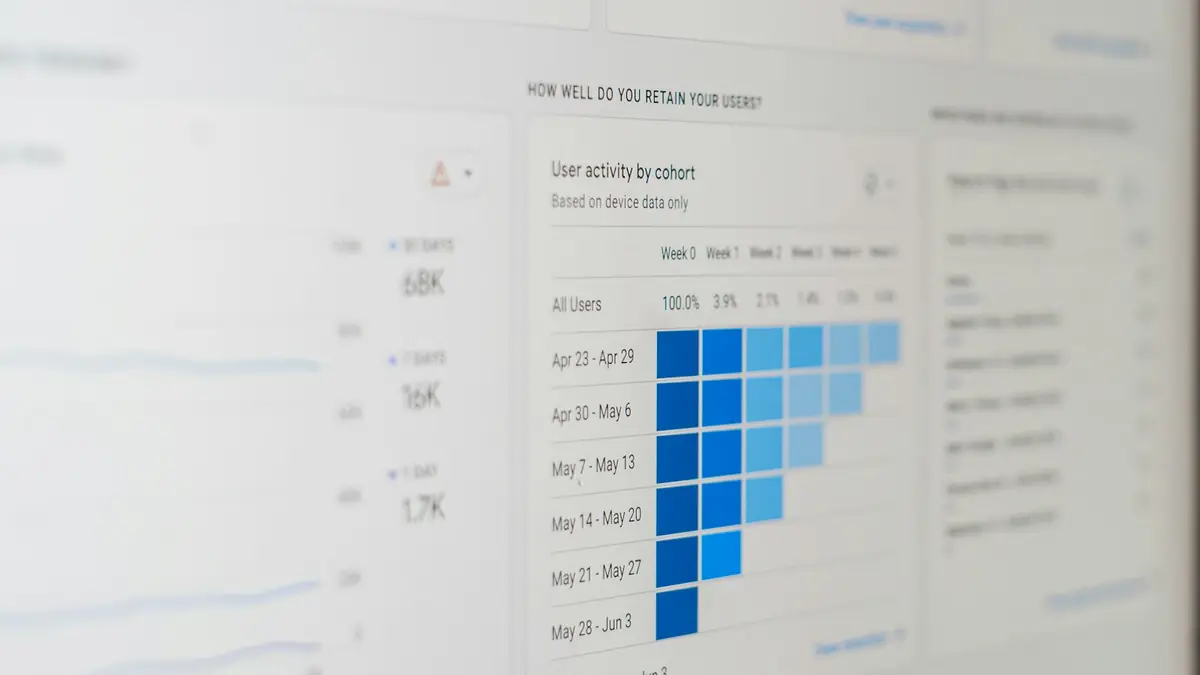
Which key events should a service website measure?
The ones that represent a customer raising their hand. For a company that sells through conversation:
- Click on the WhatsApp button: the most common contact in Latin America.
- Confirmed booking: the person reserved an appointment.
- Click to write from the pricing page or a key service page.
- Purchase or payment, if you sell online.
Common mistake: marking scroll, time on page or every click as a key event. If everything is key, nothing is: reports fill up with noise and Google Ads optimizes toward actions that do not bring customers.
How do I mark an event as key?
From GA4's event settings: any event already being collected can be marked as a key event. According to Google, if an event is important to your business's success, mark it as a key event. First make sure the event exists (for example, that the WhatsApp click is being recorded) and then mark it.
How does this connect to my advertising?
Key events are the foundation of Google Ads conversions. Google states that conversions are created from Analytics events, to measure actions consistently across both platforms, and that you can create as many conversions as you want from key events.
With that, your campaign stops optimizing for clicks and starts optimizing for real contacts. And if you want to go one step further, toward closed sales, connect your CRM to your ads as we explain in Meta's Conversions API. To know whether that investment pays off, check ROAS and cost per lead.
Watch out: the WhatsApp click measures intent, not a sale. Use it as a key event, but always cross-check with your CRM to know how many of those chats ended in customers.
What else should I check to measure well?
- That the website loads fast: a slow page loses visits before any event is recorded. Read website speed and Core Web Vitals.
- That the buttons are clear: a key event only happens if the visitor finds the button.
- That the source is recorded: campaign, ad and channel, so you know what works.
In short
Visits count who came in; key events count who raised their hand. On a service website, measure WhatsApp clicks, bookings and payments, mark them as key events and use them as conversions in Google Ads. That way the 4,000-visit report finally answers the question that matters. We set it up in our Meta and Google Ads service.
Frequently asked questions
What is the difference between an event and a key event?
An event is any recorded interaction. A key event is an event you mark as especially important for your business, and it is highlighted in your reports.
Are key events the same as conversions?
They are related: according to Google, Google Ads conversions are created from Analytics events. The key event is the foundation and the conversion is its use in Google Ads.
How many key events should I have?
As many as correspond to real business actions. Marking everything as key dilutes the information; a few well-chosen ones say much more.
Can I measure clicks on the WhatsApp button?
Yes. The click on the WhatsApp link can be recorded as an event and marked as a key event.
Do not stop at the theory: apply it to your business
We implement Meta and Google Ads end to end, with your real operation. The first conversation is free.