Google Business Profile: how to show up on Google Maps in your city
Google ranks local results by relevance, distance and prominence. How to optimize your Business Profile to show up on Google Maps in Bogotá or your city.
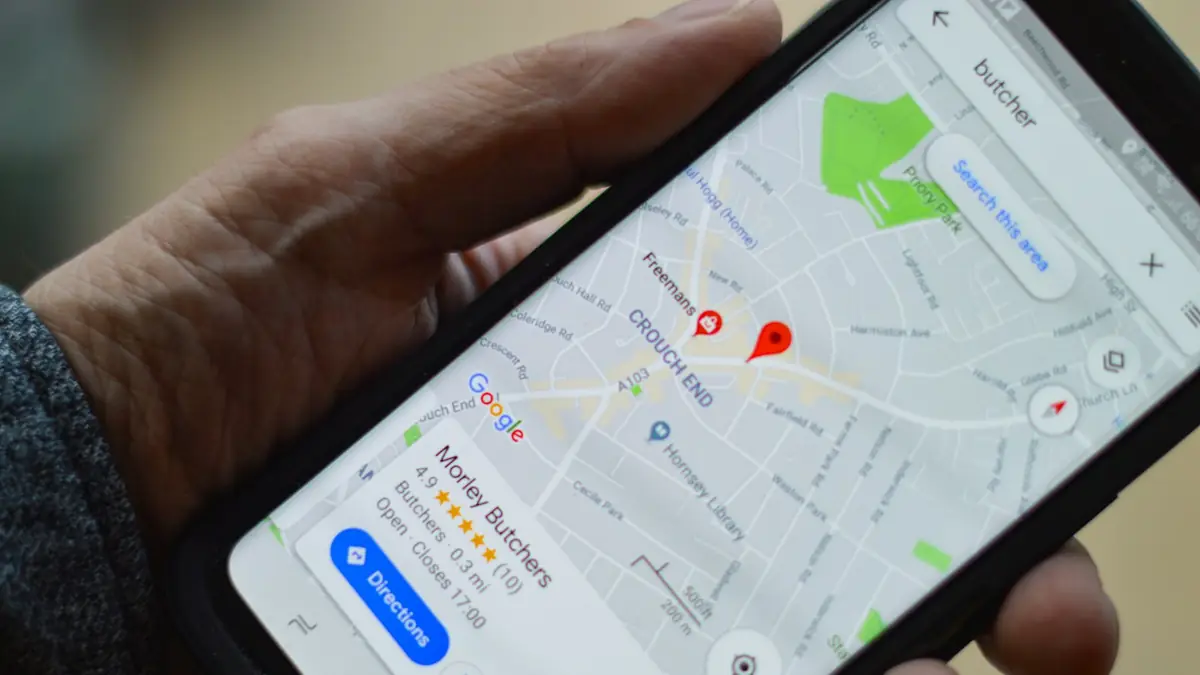
Try it now: open Google Maps on your phone and search for what you sell plus the name of your city. “Marketing agency in Bogotá”, “dentist in Chapinero”, “repair shop in Norcross”. Three businesses appear with stars, photos and a button to call or get directions.
If yours is not there, those customers went to someone else before seeing your website. For many local businesses, the Google Business Profile is the most important shop window they have, and it is free.
How does Google decide which businesses to show on Maps?
With three factors: relevance, distance and prominence. According to Google's official local ranking guide:
| Factor | What it means | Do you control it? |
|---|---|---|
| Relevance | How well your profile matches what is being searched | Yes: with complete, well-categorized information |
| Distance | How far you are from the person searching | Little: it depends on your location |
| Prominence | How well known your business is | Yes: with reviews, photos and links to your website |
And one line from Google that is worth gold: you cannot request or pay for a better local ranking. The work is fundamental.
Where do I start optimizing my profile?
By verifying the business. Verification gives you ownership of the profile and lets you edit the information and reply to reviews. Google offers several methods, such as postal mail, phone or SMS, email and video.
Then, follow Google's recommendations:
- Complete and up-to-date information: address, hours, business type and services.
- Photos and videos of your business, your team and your work.
- Replies to reviews, good and bad.
- Products, if you are a retailer that can display them.
- Prominence: positive reviews and websites linking to your business.
Common mistake: using a different name, phone or address on the profile, the website and social media. For Google and for AI systems, that inconsistency raises doubts that it is the same business. Keep the data identical everywhere.
How do I get more reviews without breaking the rules?
By asking for them at the right moment, without paying or setting conditions. The best moment is right after delivering the service, when the customer is satisfied. You can automate that request: a WhatsApp message with the link to your listing, sent from the CRM when the sale moves to “delivered”. If you use GoHighLevel, it comes with built-in review requests.
And always reply. According to Google's help on reviews, you can only do it with a verified business; a kind reply to a negative review sells more than ten unanswered stars.

Does the Business Profile also help with AI search?
Yes, because your business data must be consistent for AI to use it. Google is already testing agents that call or book with local businesses, as we explain in what changes with Google AI Mode. A complete, verified profile is the foundation for those agents, and AI answers, to take you into account. Also see what GEO is.
If you also want to speed things up with ads, you can show ads only to people near your business: we explain it in location targeting in Google Ads.
In short
Showing up on Google Maps cannot be bought: it is built with a verified, complete profile, with photos, answered reviews and identical data everywhere. Relevance and prominence are in your hands. The next time someone searches for what you sell in your city, your business can be one of those three. We work on it in our SEO and GEO with AI service, with offices in Bogotá and Norcross, GA.
Frequently asked questions
Can I pay to rank higher on Google Maps?
Not in organic local results. Google states that you cannot request or pay for a better local ranking. Ads are a separate space.
Do I need to verify my business on Google?
Yes. Verification gives you ownership of the profile and lets you edit the information and reply to reviews.
Does replying to reviews help rankings?
Google lists it among its recommendations to improve local ranking, and it also shows customers you value their opinion.
Does it work if I work remotely and have no storefront?
Yes. Businesses that serve customers at their location can set up their profile as a service-area business and define the areas they serve.
Do not stop at the theory: apply it to your business
We implement SEO and GEO with AI end to end, with your real operation. The first conversation is free.