Live chat on your website with Zoho SalesIQ: turn visits into customers

Zoho SalesIQ lets you talk to whoever visits your website, see which pages they view and answer with a chatbot. How it works and how to turn visits into leads.
Think of your website as a physical store. Someone walks in, looks at the price display, stops at a service, goes back to prices… and leaves. In a real store, a salesperson would have come over to ask “can I help you with anything?”. On your website, nobody said a word.
Most visitors leave without a trace, and some just had one question. Zoho SalesIQ exists so that salesperson shows up in time.
What is Zoho SalesIQ?
Zoho SalesIQ is Zoho's tool for talking to your website visitors and knowing what they do on it. It combines live chat, a chatbot and visitor tracking, and connects natively with Zoho CRM.

What can SalesIQ do on your website?
Five things that turn an anonymous visit into a conversation:
- Live chat with your team, from the website.
- No-code chatbot that answers the frequent questions and takes the details.
- Proactive messages: open the conversation based on what the visitor is viewing.
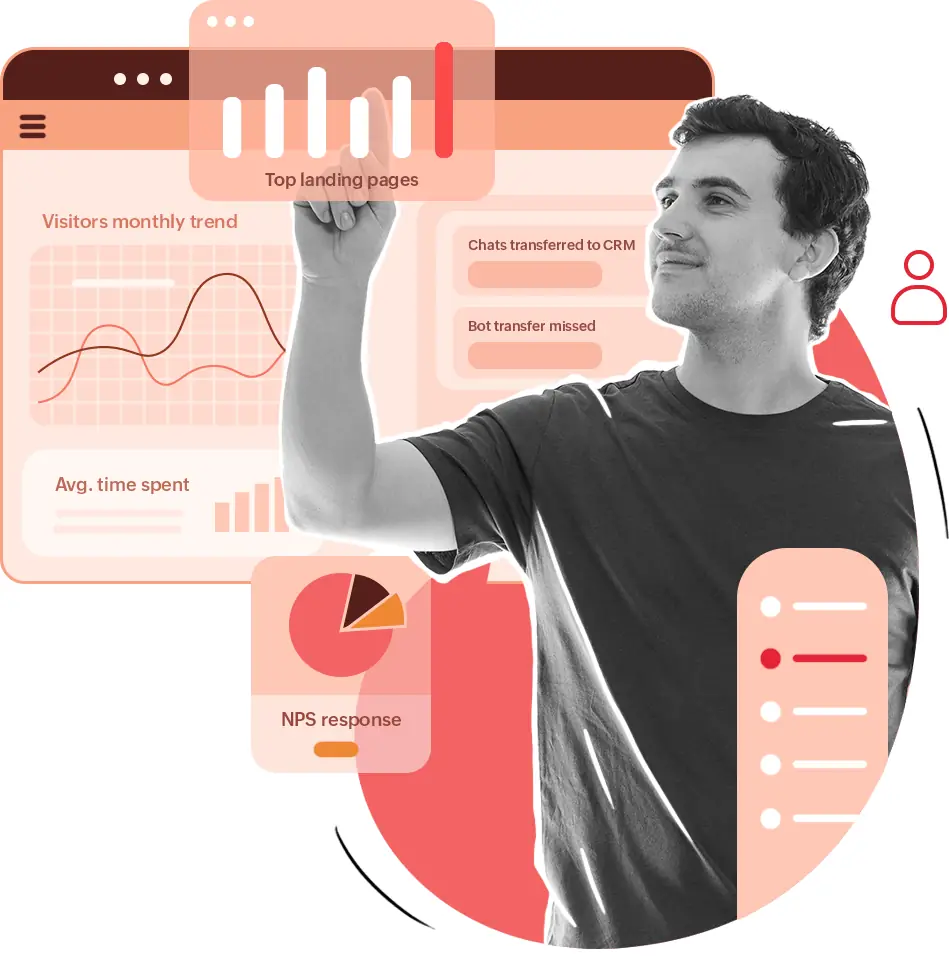
- Visitor tracking: which pages they viewed, for how long and where they came from.
- Visitor scoring to know who to serve first.
Common mistake: adding a chat nobody answers. It is worse than having no chat: the visitor asks, waits and leaves with a worse impression than if they had not asked. If no team is available, set up the chatbot to take the details and promise a reply within a time you can actually meet.
How do I turn visits into leads with SalesIQ?
By speaking first on the pages where the purchase is decided, and asking for the minimum.
- Turn on proactive messages on key pages: pricing, services, contact.
- Have the chatbot ask for the minimum: name, WhatsApp and what they need.
- Connect with Zoho CRM so every conversation becomes a lead.
- Prioritize by score: serve the most interested visitors first.
- Review the analytics every week to adjust messages and schedules.
Watch out for a detail many forget: chat only works if people stay on your website. If your site is slow to load, they leave before seeing it; we explain it in why your website speed affects your sales.
Website chat or WhatsApp?
Both, because they play different roles.
| Website chat (SalesIQ) | ||
|---|---|---|
| When it acts | While the visitor is on your site | Before and after the visit |
| What it knows about the customer | Which pages they viewed and where they came from | Their conversation history |
| Strong at | Catching the undecided in time | Follow-up and closing |
The ideal flow: SalesIQ starts the conversation on the website, the lead enters the CRM and follow-up continues on WhatsApp, sometimes with an AI agent that answers at any hour.
Who is SalesIQ for?
For businesses that get website visits and want to turn them into conversations: services, education, online stores, real estate and B2B companies. If you already use Zoho CRM or Bigin, the integration is natural.
In short
Zoho SalesIQ is the salesperson your website did not have: it greets in time, answers the frequent questions and records every conversation in your CRM. We install it, set up the chatbot and leave it connected in our Zoho SalesIQ service.
Frequently asked questions
Do I need a lot of traffic for SalesIQ to be worth it?
No. With few visits it already helps you not lose people who arrive interested. With more traffic, visitor tracking and scoring help you prioritize.
Does SalesIQ connect with Zoho CRM?
Yes, natively. Conversations and visitor data are stored in Zoho CRM for follow-up.
Does website chat replace WhatsApp?
No. They complement each other: chat catches the visitor while they are on your site and WhatsApp keeps the conversation going afterwards.
What happens if someone writes outside business hours?
The chatbot can answer the frequent questions, take the visitor's details and tell them when a person will reply.
Do not stop at the theory: apply it to your business
We implement Zoho SalesIQ end to end, with your real operation. The first conversation is free.