Meta business verification: what it is for and how to get it approved

Meta business verification unlocks advertising and developer features and the WhatsApp API. Requirements, documents and the mistakes that cause rejections.
Everything was going well with your campaign until you tried to connect the WhatsApp API, raise the messaging limit or give an agency access, and Meta showed you the same notice: “Verify your business”. You tried, uploaded a document and the answer came days later: rejected.
It is one of the procedures that most frustrates businesses growing with Meta, and it is almost always rejected over avoidable details. This is what you need to know to get it right the first time.
What is Meta business verification?
It is the process Meta uses to confirm that your account belongs to a real company or organization. According to Meta's help center, verification unlocks access to certain advertising, development, billing and spending features.
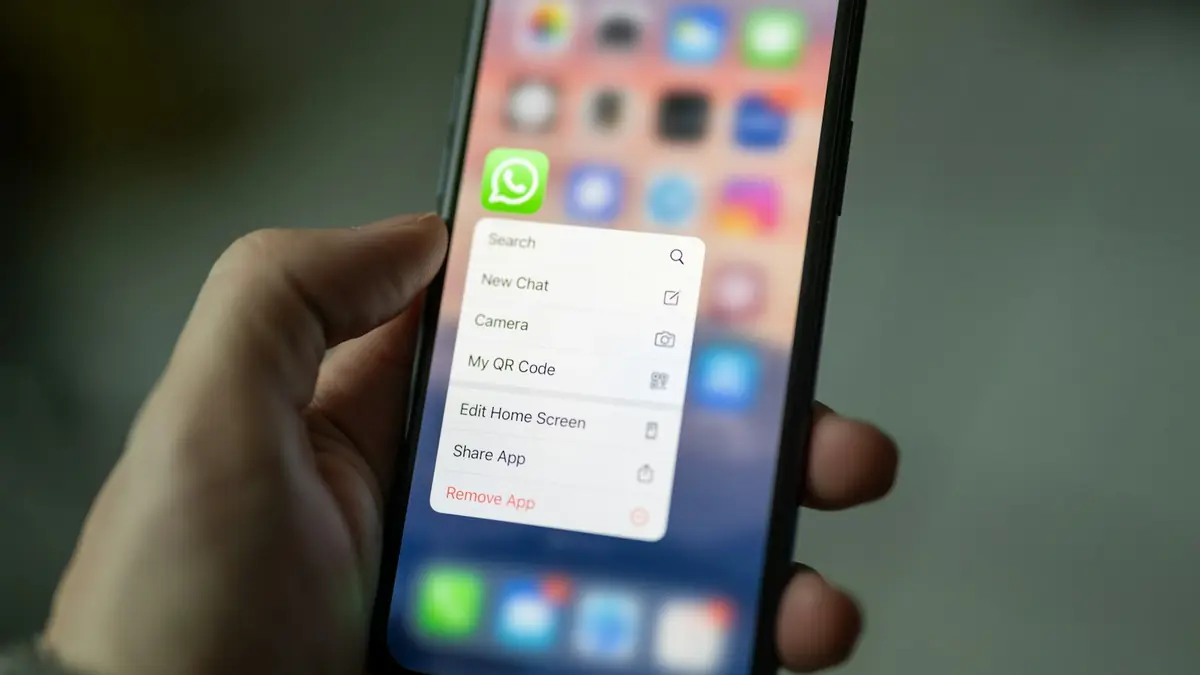
For businesses using the official WhatsApp API, it is part of the path to operating at higher volume and under their brand. If you are still deciding how to move from the app to the API, read about WhatsApp coexistence.
What do I need before starting?
Three things, according to Meta:
- Full control of the business portfolio, the highest permission level.
- Business details that exactly match your legal entity: legal name, address, phone and website.
- A website with a secure HTTPS connection.
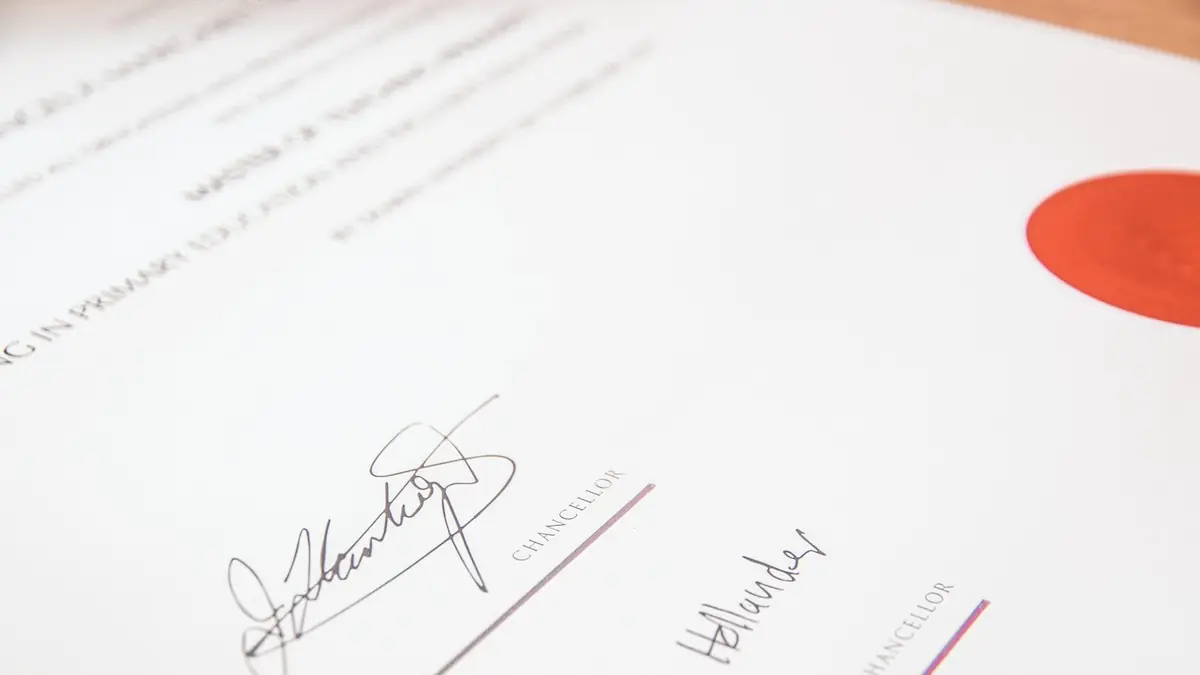
If Meta cannot find a matching record, it may ask you for official documents, such as the business registration or a business license. Use the official document that proves your company's registration in your country, and make sure the information is identical to what you entered in the form.
| Field | How it should be |
|---|---|
| Legal name | Exactly as in the document, including the S.A.S. suffix if applicable |
| Address | The same as in the registration, in the same format |
| Phone | One where you can receive the confirmation code |
| Website | With HTTPS and, if possible, with the business name or domain |
Common mistake: entering the trade name (“Tienda Lucía”) when the document shows the legal name (“Comercializadora Lucía S.A.S.”). For Meta they are two different companies and rejection is almost certain.
How do I confirm the business is mine?
By choosing a confirmation method: email, phone call, text message, WhatsApp message or domain verification. Domain verification is the strongest when your email uses the same domain as your website; that is why it pays to have properly configured business email, as we explain in SPF, DKIM and DMARC.
What do I do if I get rejected?
Check field by field against the document and try again. Meta has a guide to troubleshoot verification issues. The most common causes:
- Legal name written differently from the document.
- Address in another format or out of date.
- Blurry or expired document, or one that does not show the legal name.
- Website without HTTPS or that does not match the business.
Watch out: business verification is not the same as the blue badge. The verified badge comes with a Meta subscription; we explain it in Meta One for businesses.
In short
Meta business verification is the step that separates an improvised account from a company that can grow with advertising and the WhatsApp API. It is approved the first time when the details match your documents letter by letter and your website is secure. We do it with you as part of our WhatsApp Business API service.
Frequently asked questions
Is verifying my business on Meta mandatory?
Not for everything, but it is to unlock certain advertising, development, billing and spending features. To grow with the WhatsApp API it is usually a necessary step.
What documents might they ask for?
If Meta cannot find a matching record, it may ask you for official documents, such as the business registration or a business license, with your business's legal information.
How do I confirm the business is mine?
Meta offers methods such as email, phone call, text message, WhatsApp message or domain verification.
Why do verifications get rejected?
The most common cause is that the data entered does not exactly match the legal documents: name, address or phone written differently.
Do not stop at the theory: apply it to your business
We implement the WhatsApp Business API end to end, with your real operation. The first conversation is free.