WhatsApp link and QR code with a prefilled message to sell more
How to create a WhatsApp link or QR code with a prefilled message, what limits it has according to Meta and how to know where each customer comes from.
You put the QR on the counter, on the business card and in the Instagram bio. Messages arrive that only say “Hi” and you don’t know whether they come from the shop window or from a post. With a prefilled message, each channel arrives with its own phrase and you know where each person comes from.
What is a WhatsApp link with a prefilled message?
It is a link that opens a conversation with you and leaves the text already written, so the person only taps send. They don’t have to save your number or search for you. According to WhatsApp’s help page on click to chat, the format is wa.me followed by the full number with country code and, if you want the text, the ?text= parameter with the URL-encoded message. For example, ours starts with wa.me/573160627276.
It works anywhere you can place a link: Instagram bio, email signature, a button on your website or posts. If you want that conversation to arrive with ad context, see click-to-WhatsApp ads.
What is the difference between a regular link and a business short link or QR code?
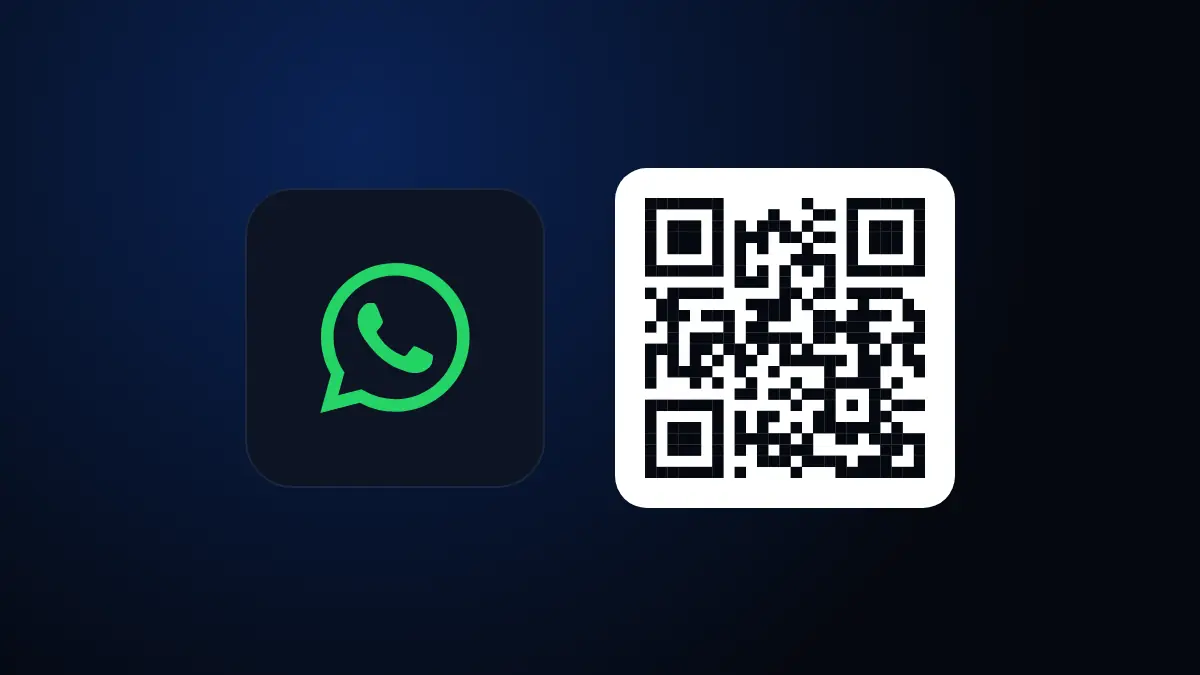
The regular link shows your number and the message in plain sight; the business short link or QR code hides them behind a code. Meta’s documentation on QR codes and short links explains that the person scans the code or opens the link and the chat opens without typing any number. Short links follow the form wa.me/message/ plus a code, and the message is not embedded in the URL.
| Option | Where the message lives | Can the text be changed without changing the link |
|---|---|---|
| wa.me link with ?text= | Inside the URL itself | No, you have to generate another link |
| Business short link or QR code | Stored in your WhatsApp account | Yes, at any time |
What limits do WhatsApp QR codes and short links have?
According to Meta, the prefilled message allows up to 140 characters and each business number can have up to 2,000 QR codes and short links in total. That is enough for a short phrase. Write something like “Hi, I saw your sign and want a quote”, not a paragraph.
Another useful fact from the same documentation: the prefilled message can be updated or deleted whenever you want, and QR codes do not expire automatically. If you delete a code or a link, whoever opens it afterwards will see an expired-link error. That is why you should not delete a QR you already printed, and edit its message instead.
Common mistake: printing a thousand cards with a link and then deleting that code to “clean up” the account. Whoever scans the card will see an error and you will lose that customer. Edit the message, don’t delete the code.
How do you create them?
With a request to the WhatsApp Business management API or from Business Manager, as Meta indicates. In the API you create it with a POST to the phone number, sending the prefilled message and, if you want, the QR image in SVG or PNG. They can also be listed, updated and deleted. If your company only uses the app and not the API, the difference between the two is explained in what WhatsApp Business App is and what WhatsApp Business API is.
For the regular wa.me link you need nothing technical: you build the URL with your number and the text, and that’s it. Just remember to encode spaces and special characters.
How do you know where each customer came from?
Use a different prefilled message on each channel. It is the simplest way to measure without extra tools:
- Instagram: “Hi, I’m writing from Instagram”.
- Physical store: “Hi, I scanned the QR in the store”.
- Business card or flyer: “Hi, I saw your card”.
- Web: “Hi, I’m coming from your website”.
When the conversation arrives, your CRM or your team already identifies the source. To measure what happens before the click, see UTM tags in GA4.
And if your Google listing is another way in, make the most of it with how to show up on Google Maps.
In short
The counter, the card and the Instagram bio stopped being a black box: each one opens WhatsApp with its own phrase and you know where each customer comes from. Use wa.me with text for quick tests and business QR codes or short links for anything printed, because their message can be changed without touching the code. If you want to set it up with your CRM and your team, check out our WhatsApp Business API service.
Frequently asked questions
What is a WhatsApp link with a prefilled message?
It is a link that opens a conversation with you and leaves the text already written in the message field. The person only taps send.
How many characters does a business QR message allow?
According to Meta’s documentation, the prefilled message of a QR code or short link allows up to 140 characters of text.
Can I change the message without changing the QR?
Yes. Meta states that the prefilled message can be updated or deleted at any time, and the QR code does not expire on its own.
How many QR codes can I have per number?
Meta states that a business number can have up to 2,000 QR codes and short links in total.
How do I know which channel each customer came from?
Use a different prefilled message on each channel, for example one for Instagram, another for the store and another for the business card. When the conversation opens you already know the source.
Do not stop at the theory: apply it to your business
We implement the WhatsApp Business API end to end, with your real operation. The first conversation is free.