Click-to-WhatsApp ads: how they work and the free 72-hour window

Click-to-WhatsApp ads take people straight to a chat with your business. How they work, which formats they support and how to make the most of the free 72 hours.
Think about the typical journey of an ad: the person sees your video, clicks, lands on a page, looks for the button, fills out a form… and at every step someone drops off. Now think about this one: they see the video, tap “Send message” and they are already writing to you on WhatsApp, the app they use all day.
For businesses that sell by talking, that shortcut changes a campaign's numbers. They are called click-to-WhatsApp ads, and they come with a benefit many people miss: a window of free messages.
What are click-to-WhatsApp ads?
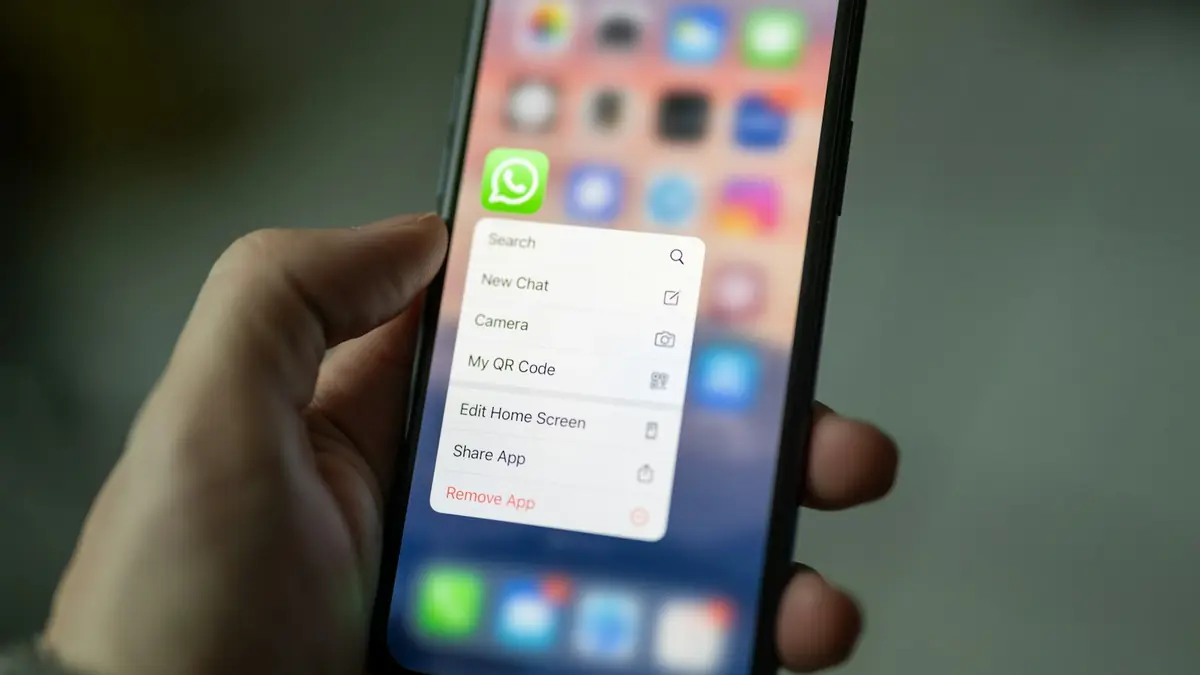
They are Meta ads that, when tapped, open a WhatsApp conversation with your business directly. According to Meta's documentation, they can run on Facebook, Instagram and Messenger, and support image, video, carousel or slideshow ads.
What is the free 72-hour window?
If someone messages you from one of these ads and you reply within 24 hours, Meta opens a 72-hour window in which any message you send is free. That is what the official WhatsApp pricing page says, which calls it the free entry point window.
| Situation | What happens |
|---|---|
| The customer writes from the ad | The normal 24-hour customer service window opens |
| You reply within 24 hours | Your reply is free and the 72-hour window opens |
| During those 72 hours | You can send any type of message at no cost |
| If the customer service window closes | You can only send templates |
This matters even more now that API replies are charged after a certain volume, as we explain in WhatsApp's new charges since October.
Watch out: the customer service window and the 72-hour window are independent. If the customer service window closes, Meta says you will only be able to send templates. Reply quickly and keep the conversation alive.
Which businesses do they work best for?
For those that close sales by talking: professional services, clinics, real estate, education, stores with advice and any business where customers have questions before buying. In Colombia and the rest of Latin America, where WhatsApp is the default conversation channel, the shortcut matters even more.
Common mistake: launching the campaign with nobody to reply. Every click is a person waiting in the chat; if nobody answers within minutes, you paid for a customer who went cold. An AI agent for WhatsApp can reply instantly at any hour.
How do I build a campaign that sells?
- Prepare the reply before launching: welcome message, frequently asked questions and a clear next step.
- Connect WhatsApp to the CRM so every conversation is saved as a lead with its source campaign. If you sell with Kommo, organize your sales pipeline well.
- Use a video or carousel that shows the product and ends with a question that invites people to write.
- Reply within 24 hours, ideally within minutes, to open the 72-hour window.
- Close the loop with Meta: send CRM sales through the Conversions API so the campaign learns who buys.
In short
Click-to-WhatsApp ads remove steps between the ad and the conversation, and if you reply in time they give you 72 hours of free messages. The shortcut only works if someone on the other side replies quickly. We design the campaign and the connected customer service in our Meta and Google Ads service.
Frequently asked questions
What is the free entry point window?
When someone messages you from a click-to-WhatsApp ad and you reply within 24 hours, Meta opens a 72-hour window in which you can send any type of message at no cost.
Which networks show these ads?
According to Meta, they can run on Facebook, Instagram and Messenger.
Which formats do they support?
Image, video, carousel or slideshow, according to Meta's documentation.
Do I need the WhatsApp API to use them?
It is not required to advertise, but the free 72-hour window is a pricing rule of the WhatsApp Business platform (the API). With the API you can also connect the chat to your CRM.
Do not stop at the theory: apply it to your business
We implement Meta and Google Ads end to end, with your real operation. The first conversation is free.