How to get paid on WhatsApp with payment links without losing the sale
How to use payment links inside a WhatsApp conversation, when a payment is truly confirmed and how to record it in the CRM automatically.
The customer has decided: she wants the two tickets for Saturday. You send her your bank account details, she says she will transfer “later” and then sends a blurry photo of the receipt that someone has to check by hand. Sometimes the payment arrives, sometimes it does not, and in the meantime the sale is up in the air.
What is a payment link?
A payment link is a checkout page from your gateway that you share via WhatsApp, email or social media, without needing an online store. The customer opens the link, chooses how to pay and the gateway processes the charge.
In Colombia, Wompi calls them payment links. According to its documentation, they are created from the merchant dashboard or through the API, and shared by email, social media or WhatsApp. Stripe, for its part, describes its Payment Links as a way to accept payments without writing code.
What types of link can I create?
Depending on the gateway, you can create single-use or reusable links, with a fixed or open amount, and with an expiration date. This is what Wompi states:
| Option | What it is for |
|---|---|
| Single use | The link stops accepting payments after the first approved one: ideal for a one-off sale |
| Reusable | The same link works for many customers: ideal for a fixed product |
| With expiration | The link stops working on a date: useful for bookings and promotions |
| Open amount | The customer enters the amount: useful for partial payments or donations |
| Additional fields | Asks the payer for extra information |
For a chat sale, the tidiest option is a single-use link per customer, with a near expiration date. That way each link matches one sale.
When is a payment truly confirmed?
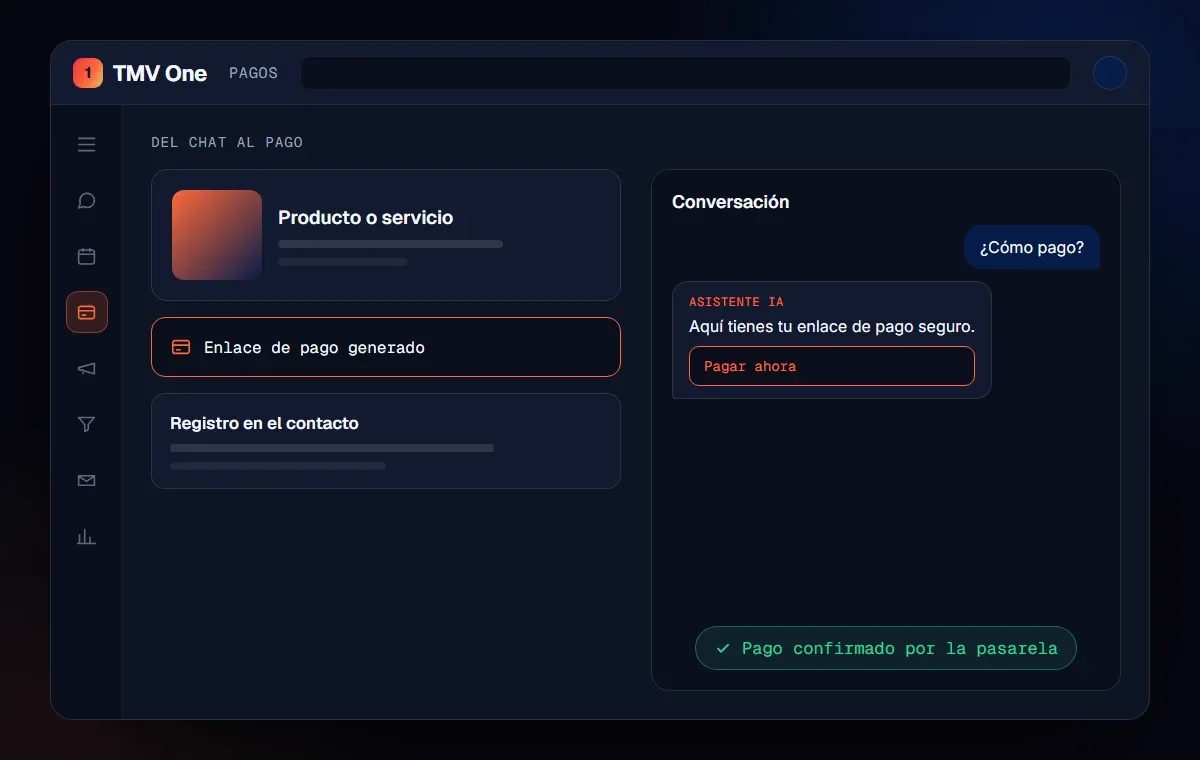
A payment is confirmed when the gateway confirms it, not when the customer sends a screenshot. A receipt image can be edited or can belong to a transfer that later failed.
Gateways send notices automatically. According to Stripe’s documentation, when a customer completes a payment through a link, Stripe sends an event your system can use to fulfill the order and reconcile. The same documentation warns that some methods, such as bank debits or vouchers, can take 2 to 14 days to confirm, so you also need to listen for those notices.
Important: if an AI assistant handles the sale, it can send the link, but it must never treat the payment as done. Confirmation must come from the gateway, and only then is the purchase recorded.
How does the payment connect to the CRM?
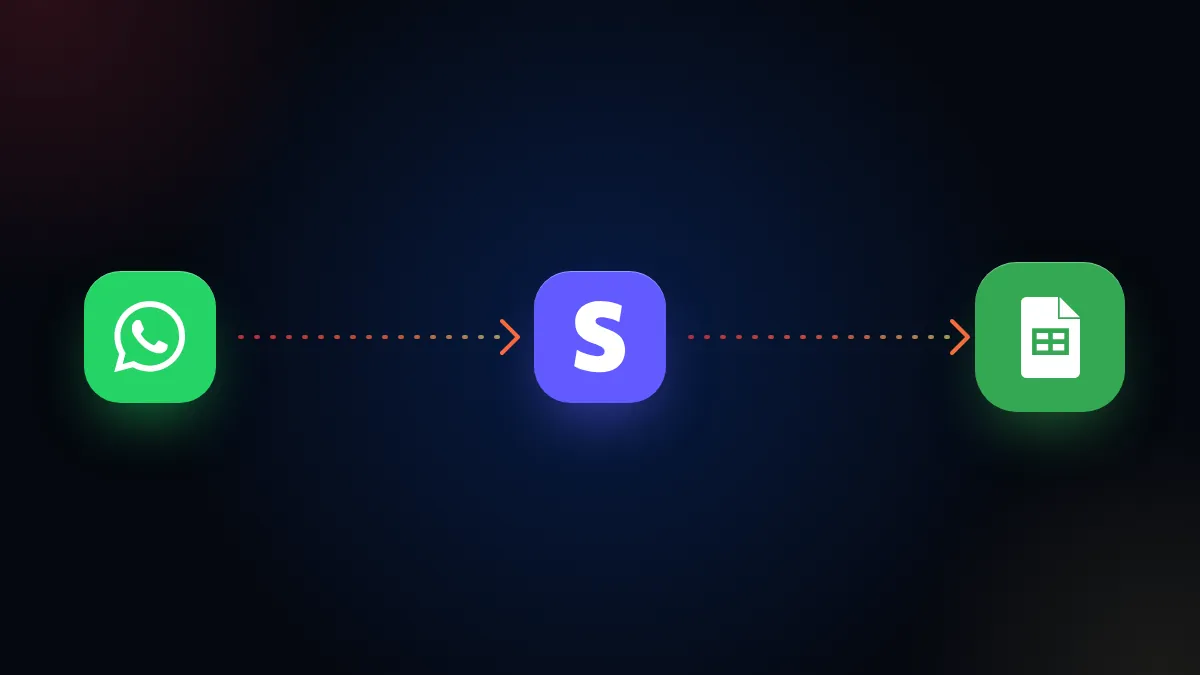
The gateway’s confirmation updates the customer’s record and triggers the next action, without anyone checking chats. The typical flow looks like this:
- The customer confirms what they want to buy in the conversation.
- A link is generated for that sale and sent in the same chat.
- The gateway confirms the payment.
- The payment is recorded on the contact and the opportunity moves to won.
- What comes next is triggered: invoice, access, booking confirmation and a notice to the team.
If you sell from a catalog, this flow fits with what we explain in WhatsApp Business catalog. If your charges are recurring, see how to charge subscriptions automatically. And if you need electronic invoicing, the payment can trigger it, as we explain in DIAN electronic invoicing connected to your CRM.
What mistakes should you avoid?
The most common are reusing the same link for everything, not setting an expiration and confirming payments by eye. Others we see often:
- Sending the link without restating what the purchase includes and for how much.
- Not telling the customer what happens after paying.
- Letting the advisor mark the sale by hand, with no link to the actual payment.
- Not replying fast when the customer asks how to pay, as we explain in responding fast to your leads.
How does TMV One solve it?
TMV One sends payment links inside the conversation and records the payment on the contact when the gateway confirms it. From there, the actions you define for your company are triggered.
In short
The customer with the two tickets would have received a link in the same chat, paid in a minute and gotten her confirmation without anyone checking receipts. Getting paid on WhatsApp works when the link is for that sale and the confirmation comes from the gateway.
Frequently asked questions
What is a payment link?
It is a web address that leads to a checkout page from the payment gateway. You share it via WhatsApp, email or social media, and the customer pays without you having an online store.
Can I make the link work for a single payment?
Yes. According to Wompi’s documentation, a single-use link stops accepting payments after the first approved one, and you can also set an expiration date.
Is it enough for the customer to send me the receipt?
It is not recommended. The payment should be considered confirmed when the gateway notifies it. Stripe, for example, sends an automatic event when a payment through a link is completed.
What happens after the payment?
Ideally the payment is recorded in the customer’s record and triggers the next action: invoice, product access, booking confirmation or a notice to the team.
Do not stop at the theory: apply it to your business
We implement TMV One end to end, with your real operation. The first conversation is free.