How to ask for Google reviews without breaking the rules or getting them removed
What Google allows and prohibits when asking for reviews, how to get your link or QR code and how to automate the request after every purchase or visit.
A neighborhood bakery has 12 reviews. The one across the street has 300. Both sell similar things, but when someone searches “bakery near me” on Google Maps, you know which one they choose. The difference is almost never quality: one asks for reviews every day and the other waits for them to arrive on their own.
Can I ask my customers for reviews?
Yes: Google allows asking for reviews, as long as they are real experiences, without incentives and without trying to influence the rating. Google Maps content policies say merchants can encourage customers to leave genuine reviews, as long as they offer nothing in return and do not pressure the content.
Asking for reviews consistently is one of the most useful things for local SEO, as we explain in how to show up on Google Maps.
What is prohibited?
Offering something in return, asking only happy customers, discouraging negative reviews and having your employees write them are prohibited. This is what Google’s policies say:
| Practice | Is it allowed? |
|---|---|
| Asking all your customers for a review after the purchase | Yes |
| Offering a discount, free product or payment for reviewing | No |
| Asking for a review only from people who rated a survey well | No |
| Asking someone to change or delete a negative review in exchange for something | No |
| Employees or former employees leaving reviews | No, it is a conflict of interest |
| Pressuring the customer to review while on the premises | No |
| Asking the team for a set number of reviews that mention an employee | No |
Common mistake: sending a survey first and sending the Google link only to people who gave five stars. It looks clever, but Google expressly prohibits it: you cannot selectively solicit positive reviews.
In the United States there is another layer. In August 2024, the FTC announced a final rule that prohibits fake reviews, buying reviews with incentives conditioned on a positive or negative sentiment, and suppressing negative reviews through threats. The rule allows the FTC to seek civil penalties against knowing violators.
How do I get my review link or QR code?
From your Business Profile, in a computer browser: Read reviews, then Get more reviews. According to Google’s help, there you copy the link or download the QR code, which cannot be generated on a phone. Google also suggests sharing the request by email, WhatsApp or a Facebook post.
Keep in mind that, according to Google’s tips for getting reviews, the customer needs a Google Account to leave a review, although they can create it with a non-Gmail email address.
When is the best time to ask?
Right after the customer receives what they bought, while the experience is fresh. Not at the moment of payment, but once they have tried the product or left the appointment. In practice:
- Services with appointments: a few hours after the appointment, as the closing step of the WhatsApp appointment reminders sequence.
- Products with shipping: one or two days after delivery.
- Physical stores: with the QR code at the counter, without pressure.
A simple message works: “Thanks for your purchase. If you would like to tell us how it went, you can leave your review here”, with the link.
How do you automate it without breaking the rules?
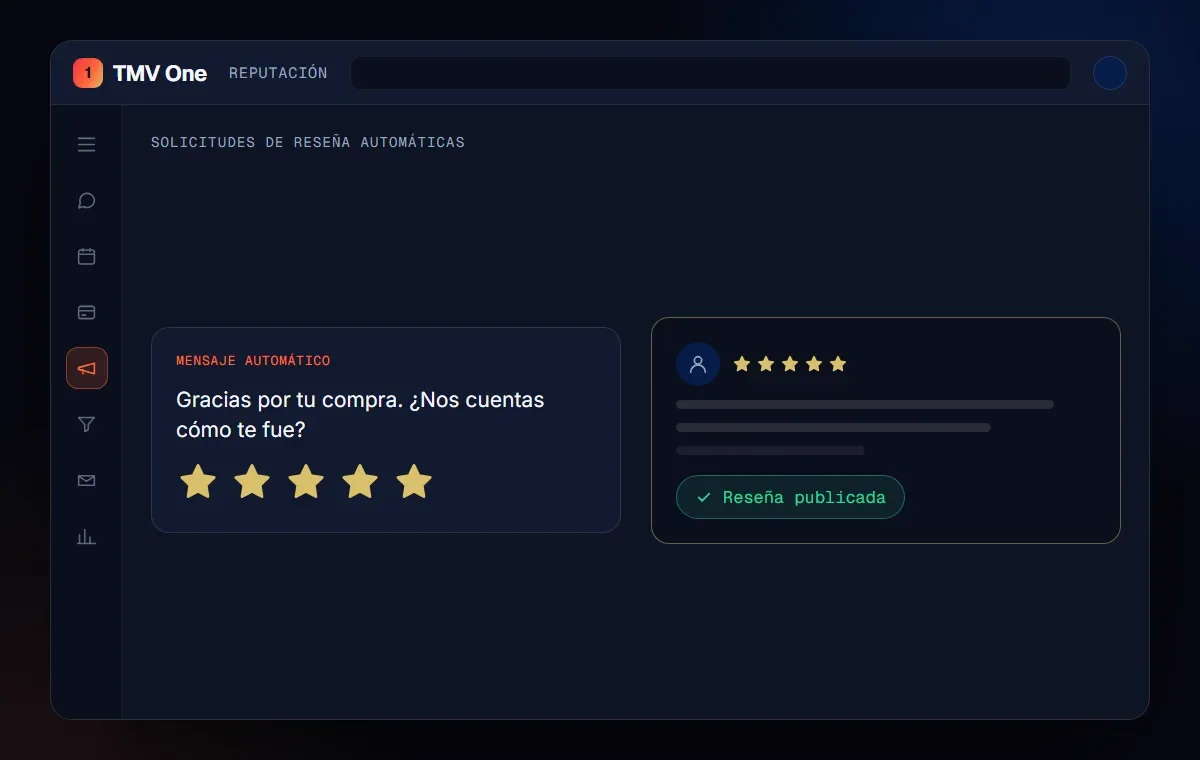
The automation has to ask every customer for a review equally, with the official link and without incentives. The system detects that the purchase or appointment ended, sends the message with the link and, if there is no response, sends a single reminder. No satisfaction filters.
Reviews also weigh on how AI answers describe you, as we explain in what GEO is. And replying to every review, good or bad, is part of reputation.
How does TMV One do it?
The reputation module in TMV One sends the review request automatically after every purchase or appointment, via WhatsApp or email, and helps you follow up. We set it up with your Business Profile’s official link and without filters that go against Google’s policies.
In short
The bakery with 12 reviews does not need tricks: it needs to ask every customer for a review, at the right moment and with the right link. Google allows asking, prohibits incentives and filtering happy customers, and automation makes sure nobody forgets to ask.
Frequently asked questions
Can I ask my customers for reviews?
Yes. Google’s policies allow encouraging customers to leave genuine reviews, as long as you do not offer incentives or try to influence the rating or the content.
Can I give a discount to people who leave a review?
No. Google prohibits offering payments, discounts or free products in exchange for a review, and removes reviews posted for that reason.
Can I ask only satisfied customers for a review?
No. Google’s policy prohibits selectively soliciting positive reviews and discouraging or preventing negative ones.
How do I get my review link?
From your Business Profile in a computer browser: Read reviews, then Get more reviews. There you copy the link or download the QR code.
Can my employees leave me reviews?
No. Google prohibits reviews with a conflict of interest, and that includes current or former employees.
Do not stop at the theory: apply it to your business
We implement TMV One end to end, with your real operation. The first conversation is free.