WhatsApp appointment reminders: how to automate them and what they cost
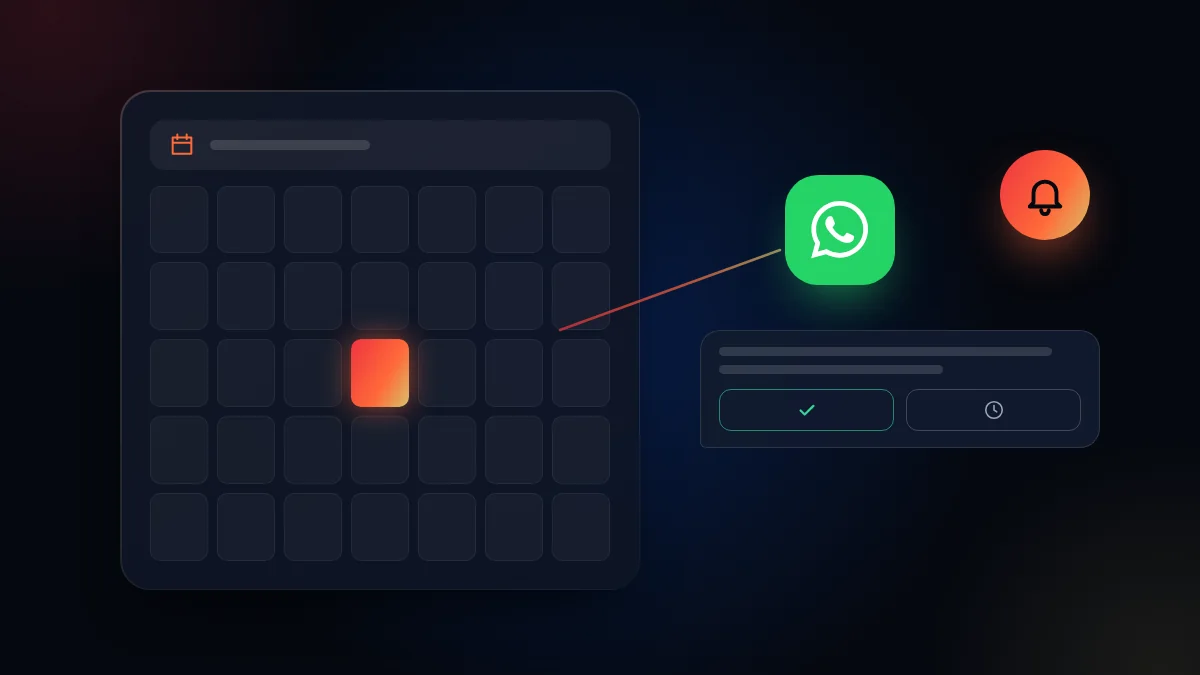
How to send automatic appointment reminders on WhatsApp with utility templates, when Meta charges for them and which messages to schedule.
At the practice, Tuesday’s schedule was full. At 10, two patients arrived, at 11 none, and at 3 a person who swore their appointment was on Wednesday. The receptionist had called everyone the day before, but several did not pick up. A well scheduled message would have reached each of them, at the right time, without a single call.
How does a WhatsApp appointment reminder work?
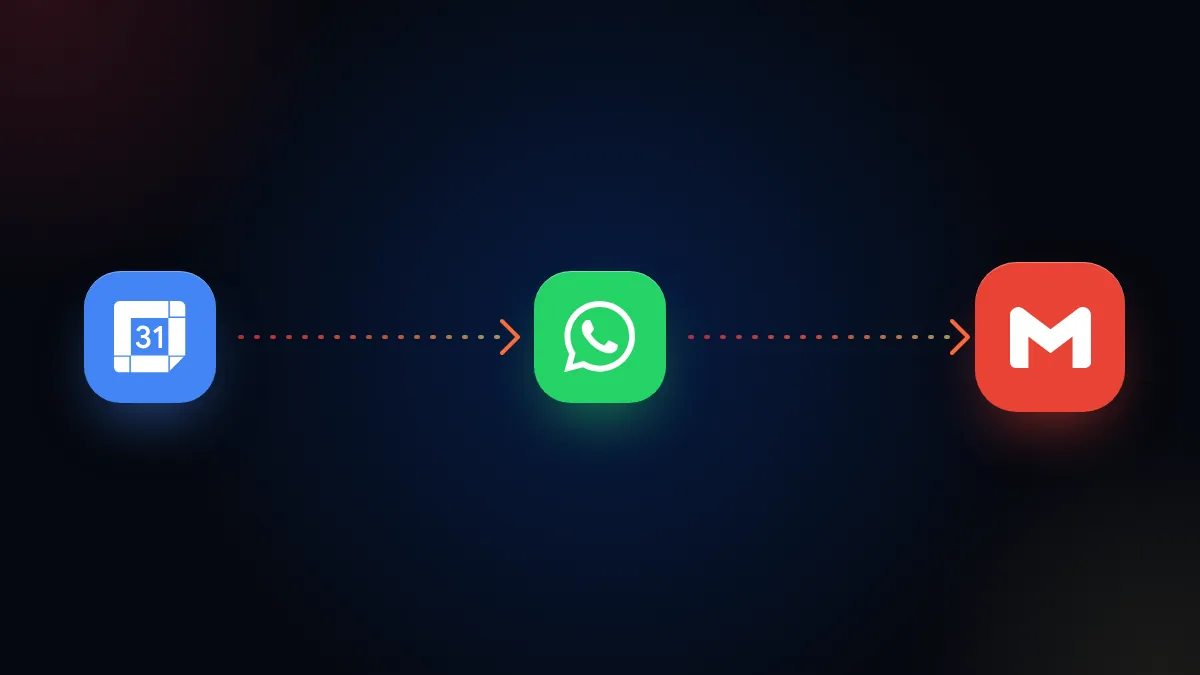
An automatic reminder is a utility template that the calendar sends on its own, at the time you choose, with each appointment’s details. The template is approved once and then the system fills it in with each person’s name, date and time.
A template is used because, according to Meta’s documentation, outside the 24-hour service window you can only send approved messages. A reminder usually goes out days after the last conversation, so it almost always goes as a template. If you want to understand the categories, we explain them in WhatsApp templates: marketing, utility and authentication.
How much do reminders cost?
Since October 1, 2026, Meta charges for every delivered utility template, including those sent inside an open customer service window. According to its pricing documentation for service and utility messages, those templates inside the window stopped being free on that date. The price depends on the category and the recipient’s country, and marketing templates are always charged. The exception is the free 72-hour window opened by a click-to-WhatsApp ad, as we explain in click-to-WhatsApp ads.
| Message | Category | Is it charged? |
|---|---|---|
| Confirmation right after booking | Utility | Yes, per delivered message |
| Reminder one day before | Utility | Yes, per delivered message |
| Customer’s reply to the reminder | Customer message | No, and it opens a new 24-hour window |
| Your team’s written reply inside that window | Service | Free for the first 1,000 per month per number; charged after that |
| Monthly promotion to past patients | Marketing | Always charged |
Your team’s free-form replies also changed in October 2026. We explain it in since October 2026 replies are charged too.
Watch out: if the reminder includes a promotion (“and enjoy 20% off your next cleaning”), it stops being utility and becomes marketing, which is always charged. Keep the reminder about what the customer asked for: their appointment.
Which message sequence should you schedule?
The most useful sequence has three moments: confirmation when booking, a reminder before the appointment and a message after. Each one solves a different problem:
- Confirmation: as soon as it is booked, with date, time, address and how to reschedule.
- Reminder: the day before or a few hours before, with buttons to confirm or reschedule.
- After the appointment: a thank you and, if it applies, the review request or the next step.
The buttons are what matter. If the person taps “reschedule”, the conversation opens and the slot is freed for someone else, instead of staying empty.
What do I need to send them?
You need the official WhatsApp API, a connected calendar and each customer’s permission. Meta’s opt-in policy requires the person to agree to receive messages from your company and the company name to be clear. The simplest way is to ask for it in the same booking form.
In Colombia that consent must also comply with Law 1581, as we explain in data protection on WhatsApp and CRM.
How is the team’s workload reduced?
When replies to reminders land in a shared inbox, anyone on the team can reschedule without searching through phones. The customer replies to the reminder, the conversation comes in with their record and the appointment moves in the calendar. We explain it in unified inbox.
If you also want people to find you on Google to book, see how to show up on Google Maps.
How does TMV One do it?
In TMV One, the calendar sends confirmations, reminders and follow up messages automatically, and replies land in the team’s inbox. We configure the templates, timing and rescheduling rules according to your type of appointment.
In short
The practice’s Tuesday would have been different: each patient would have received their reminder with a button to confirm or move the appointment, and the 11 o’clock slot would have been filled by someone else. WhatsApp reminders are utility templates that Meta charges per delivered message, and they save the team hours of calls.
Frequently asked questions
What type of template is an appointment reminder?
It is a utility template: a message related to something the customer already requested, such as a booked appointment. Promotions go in marketing templates.
Are appointment reminders charged?
Yes. According to Meta’s pricing documentation, since October 1, 2026 utility templates are charged per delivered message, also when sent inside an open customer service window. The price depends on the recipient’s country.
Can I send reminders from the WhatsApp Business app?
The app allows manual messages and some quick replies, but automatic reminders connected to a calendar are sent with the official API.
Do I need the customer’s permission?
Yes. Meta requires permission to write to a person, with the company name made clear. The practical way is to ask for it when booking.
Do not stop at the theory: apply it to your business
We implement TMV One end to end, with your real operation. The first conversation is free.