Capture funnel: page, form, booking and thank you page that actually convert
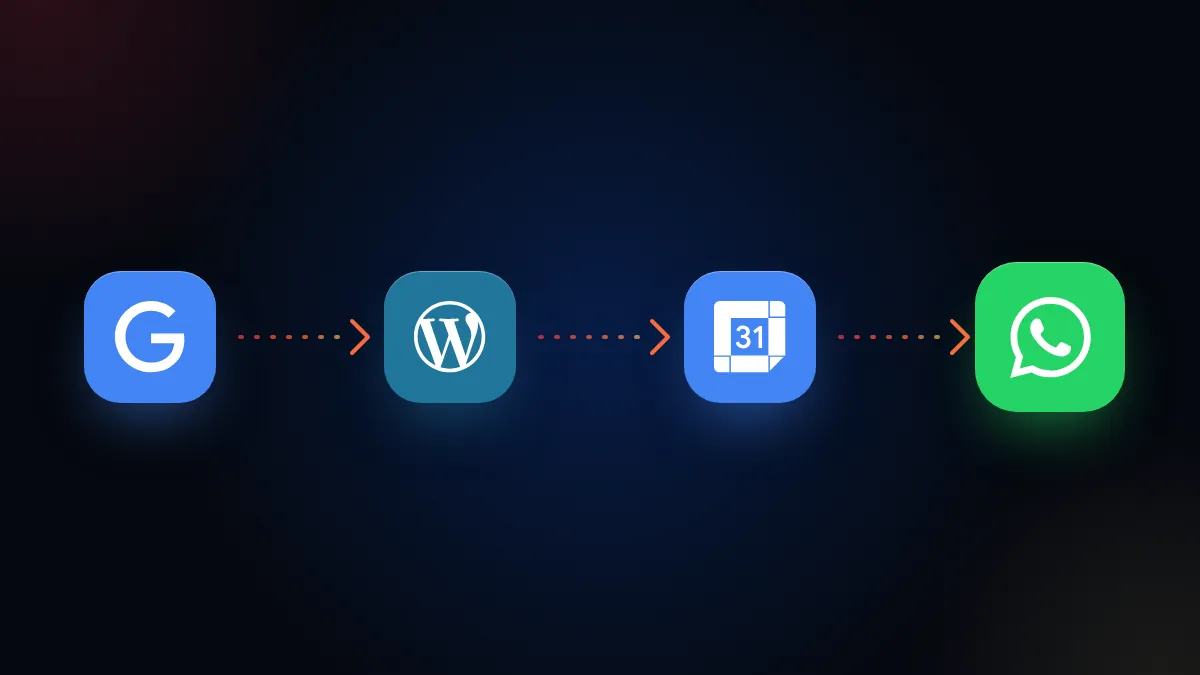
How to build a capture funnel with a page, short form, booking and thank you page, connected to the CRM so every sign up gets a reply and follow up.
You pay for an ad, people click and land on your website’s home page. There are twelve options, a huge menu and an eight field form at the bottom. Out of every hundred visits, two sign up. And those two end up in an email that someone checks on Thursday.
What is a capture funnel?
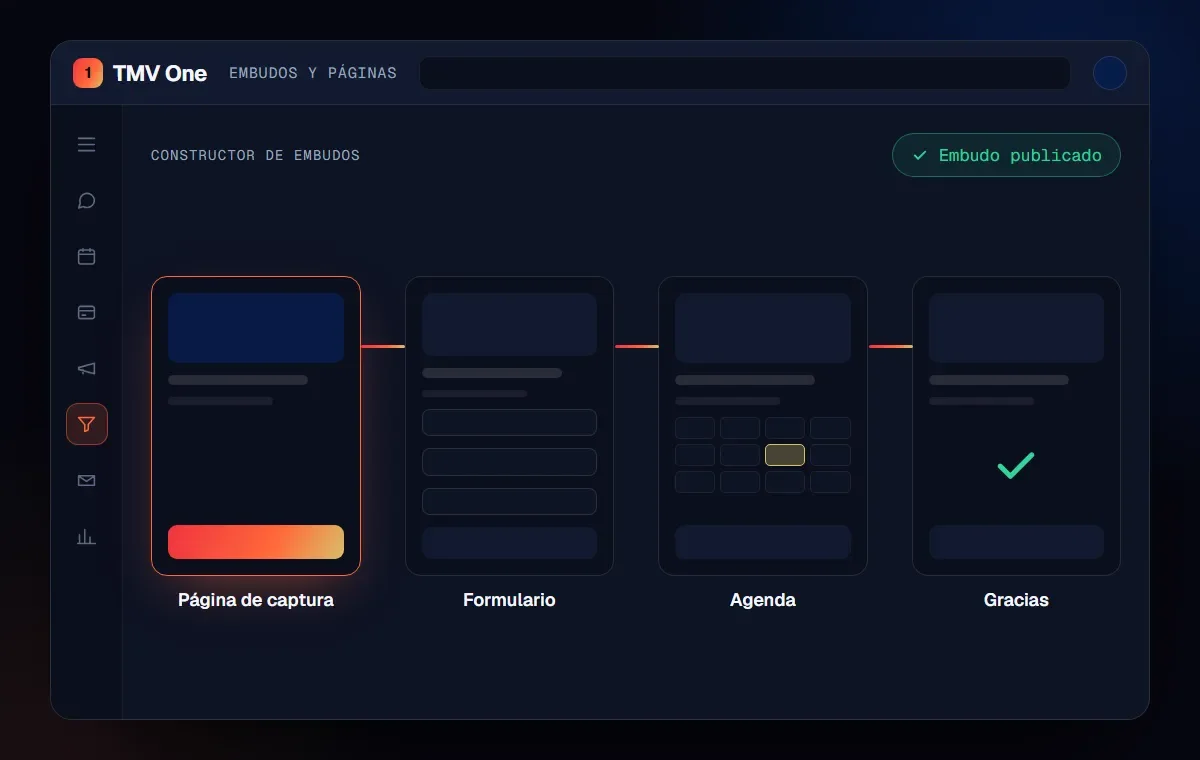
A capture funnel is a short sequence of pages that turns a visit into a contact with a next step: page, form, booking and thank you. Unlike the full website, each page has a single goal and does not distract with other options.
It is the top of the sales funnel. What happens next, in the CRM, we explain in how to organize your sales pipeline.
What goes into each step?
Each step answers a single question from the visitor and takes them to the next one. This is the base structure:
| Step | Goal | What must not be missing |
|---|---|---|
| Capture page | That the person understands the offer and wants to leave their details | Clear promise, proof, a single button |
| Form | Capture the minimum for the next step | Few fields, data consent |
| Calendar | Turn the sign up into an appointment | Real time slots, immediate confirmation |
| Thank you page | Confirm and say what comes next | Next step, contact via WhatsApp |
Why does the landing page matter for your ads?
Because Google Ads evaluates landing page experience as part of your ads’ Quality Score. According to Google Ads Help, that component measures how relevant and useful the page is to the person who clicked, and it is rated above average, average or below average compared with other advertisers.
In practice: if the ad talks about “teeth cleaning” and the page talks about the whole practice, the experience is worse. One page per offer helps. So does speed, as we explain in web speed and Core Web Vitals.
What should the form be like?
Short: ask only for what you need for the next step. The web.dev sign up form best practices recommend asking for as little as possible at sign up and leaving extra data for when it is needed and the user sees a benefit. It also recommends using the right field type so the phone shows the right keyboard, and showing errors as soon as the data is entered.
For a service with an appointment, name, WhatsApp and one qualifying question are usually enough. Plus a consent checkbox: Meta’s policy requires the person to agree to receive messages from your company before you write to them on WhatsApp.
Common mistake: asking in the form for everything the advisor would like to know. Every extra field is a reason to abandon. What is missing gets asked later, in the conversation.
What happens after the sign up?
The sign up enters the CRM with its source, gets a reply within minutes and has a scheduled follow up. This is what separates a funnel that fills a spreadsheet from one that sells. A sign up without a quick reply goes cold, as we explain in responding fast to your leads.
Also, the thank you page is the place to measure the conversion, as we explain in key events in Google Analytics 4. And if you advertise on Meta, sending those sign ups from the CRM helps your ads learn, as we explain in Meta Conversions API.
How does TMV One build it?
With TMV One the capture page, form, booking and thank you page are built in the same system, and every sign up goes straight into the CRM. From there the reply, the assignment to an advisor and the follow ups are triggered.
In short
The ad that led to the home page would have worked better with one page per offer, a three field form, an immediate booking and a reply within minutes. A capture funnel is not just design: it is making sure every sign up reaches the CRM and someone, or something, replies.
Frequently asked questions
What is a capture funnel?
It is a sequence of pages that turns a visit into a contact: capture page, form, booking or next step, and thank you page, connected to a CRM.
How many fields should the form have?
The minimum for the next step. The web.dev guide recommends asking for as little as possible at sign up and only asking for more data when it is needed and the user sees a clear benefit.
Why does the landing page affect my ads?
Google Ads evaluates landing page experience as part of Quality Score: how relevant and useful the page is to the person who clicked the ad.
What is the thank you page for?
It confirms the sign up, says what happens next and is the point where the conversion is measured. It can also invite people to write on WhatsApp.
Do not stop at the theory: apply it to your business
We implement TMV One end to end, with your real operation. The first conversation is free.